1
Connect
Add Efekto in ChatGPT
- In ChatGPT open Settings > Apps > Advanced settings and turn on Developer mode (on Business, Enterprise and Edu an admin allows it first).
- Add a custom app / MCP server: name Efekto, server URL below, authentication OAuth.
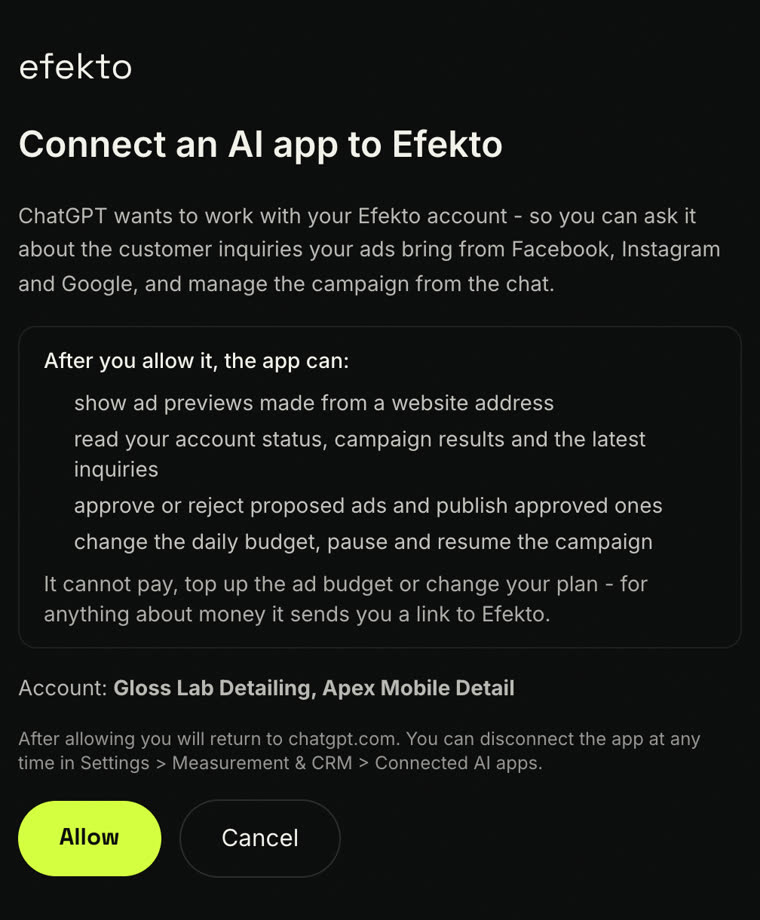
- Sign in to Efekto in the window that opens and click Allow.
- Start a new chat, pick Efekto in the tools menu and paste the prompt below.
MCP server URL
https://efekto.ai/api/mcp