1
Connect
Add Efekto in Gemini
- Gemini CLI: run the command below in your terminal.
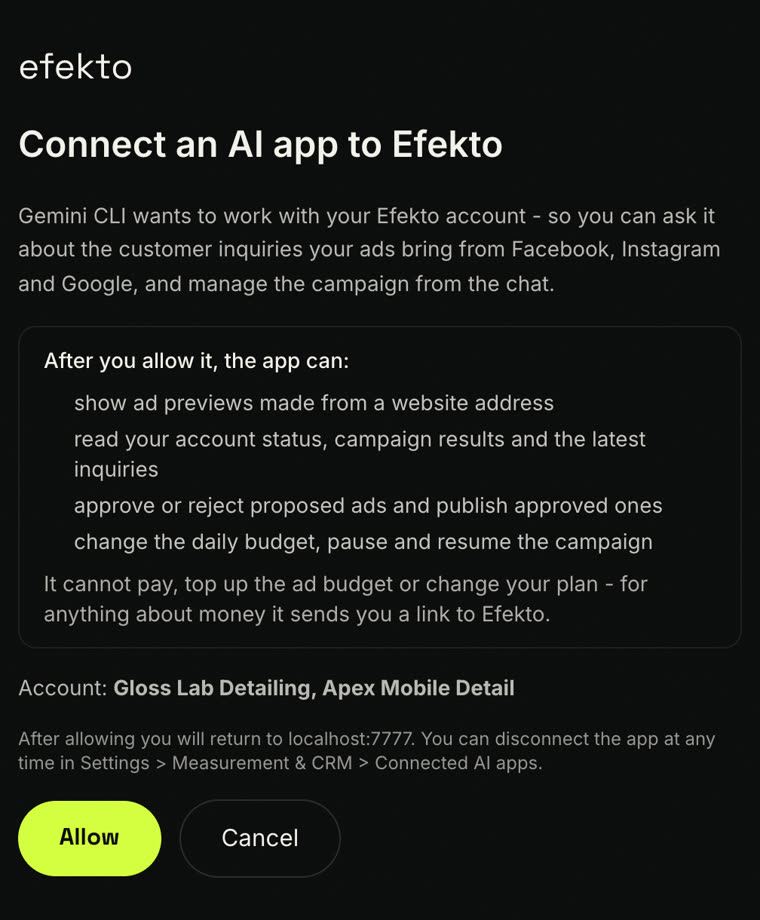
- Start gemini and type /mcp auth efekto - sign in to Efekto in the browser and click Allow.
- Ask Gemini for your ad preview, results and inquiries (prompt below).
- Gemini app: where custom apps are available, open Settings > Connected apps > Custom apps > Add a custom app and use the same URL.
MCP server URL
https://efekto.ai/api/mcp
Command
gemini mcp add --transport http efekto https://efekto.ai/api/mcp