Facebook Ads vs Instagram Ads: Where Should a Local Service Business Spend?
Facebook and Instagram ads are the same Meta ad shown in different places. Start with both, check the platform breakdown, and turn one off only when the numbers tell you to.

Spend on both. Run one Meta campaign with automatic placements, and turn off Facebook or Instagram only when your own report shows that platform taking money without bringing leads. Facebook Ads and Instagram Ads are not two products. They are the same ad, bought in the same Ads Manager and shown in different places. So the useful question is not which app your customers prefer. It is where your budget went and what came back from it, and the answer takes about five minutes to find.
We make money from ads on both platforms, so we have no reason to push you toward either one. After running campaigns for 300+ Lemon Agency clients, our position is this: picking a platform in advance is how small budgets get wasted. Reading the breakdown is how they get saved.
Is Facebook or Instagram better for a local service business?
Neither one wins by default, and anyone who tells you otherwise without looking at your account is guessing. Here is what actually differs:
| Facebook placements only | Instagram placements only | Automatic placements (both) | |
|---|---|---|---|
| Where the ad shows | Feed, Marketplace, Stories, Reels, video feeds, search results | Feed, Stories, Reels, Explore | All of the above, wherever Meta expects the next result |
| Creative that fits | Square or 4:5 image, longer text, before/after photos | Vertical 9:16 video or image, short text | Needs a square or 4:5 version and a vertical version |
| Lead forms | Yes | Yes | Yes |
| Who decides the budget split | You | You | Meta, continuously |
| Main risk | Missing cheaper leads on Instagram | Missing cheaper leads on Facebook | One platform eats budget without leads and nobody checks |
| When to use it | After the breakdown shows Instagram not converting | Rarely the right place to start | Every new campaign |
Automatic placements (Meta calls them Advantage+ placements) give the algorithm more places to show your ad, so it can chase cheaper results. That works in your favor most of the time. The catch is that Meta counts a result as a submitted form, not a booked job. A form filled in by someone who tapped an Instagram Story by accident counts the same as a homeowner who wants a quote. The cost per lead in Ads Manager is the cost before anyone checked the lead, so the real cost per usable lead is always higher. That is why you check the split yourself instead of trusting the campaign total.
How do you see which platform brings your leads?
The Breakdown menu in Ads Manager shows spend and results per platform. Here is how we'd check it:
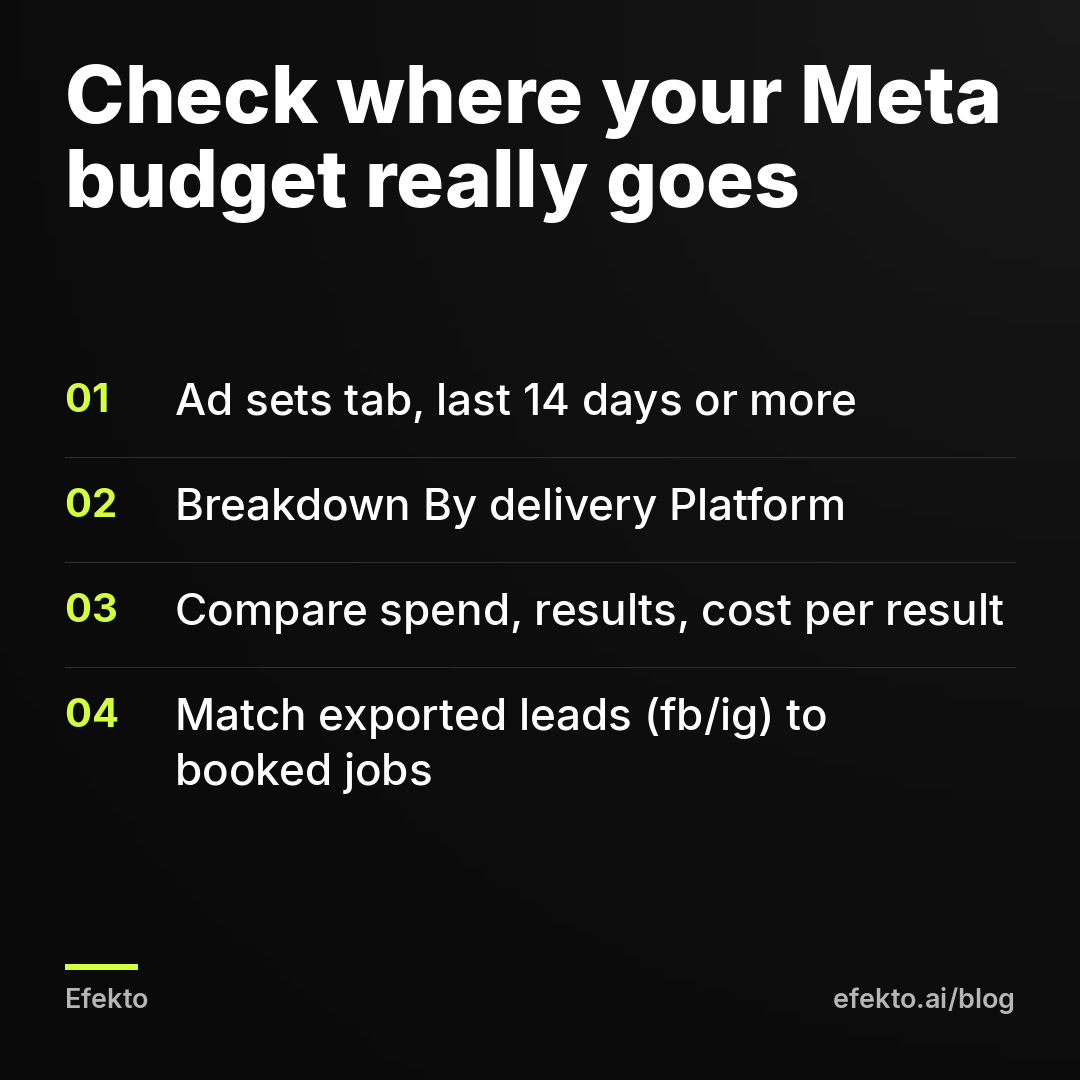
- Open Ads Manager, go to the Ad sets tab and tick the ad set you want to check. Set the date range to at least the last 14 days. A shorter window shows noise, not a pattern.
- Click Breakdown > By delivery > Platform. You get separate rows for Facebook, Instagram and, if it is on, Audience Network and Messenger.
- Make sure three columns are visible: Amount spent, Results and Cost per result. Then switch the breakdown to Placement to see Feed, Stories and Reels separately.
- Compare this with the real leads. Download the leads from your lead form in Leads Center or as a CSV file. The export includes a platform column (fb or ig). Mark which leads answered the phone and which ones booked.
Step 4 is the one most people skip, and it changes decisions. A platform with a slightly higher cost per lead can still be the better one if its leads actually pick up.
When should you turn off Instagram, or Facebook?
We recommend turning a platform off when it has spent at least twice your target cost per lead with zero leads, or when its leads consistently don't answer. Below that amount, zero leads tells you nothing.
For example: say your target is $30 per lead and your budget is $20 a day. After 14 days you have spent $280. Facebook took $210 and brought 9 leads, which is about $23 each. Instagram took $70 and brought nothing. $70 is more than twice your $30 target, so we'd cut Instagram. Now change one number. If Instagram had brought 2 leads for that $70, that is $35 each. It costs a bit more than your target, but it is close enough to keep, especially if those 2 people answered the phone.
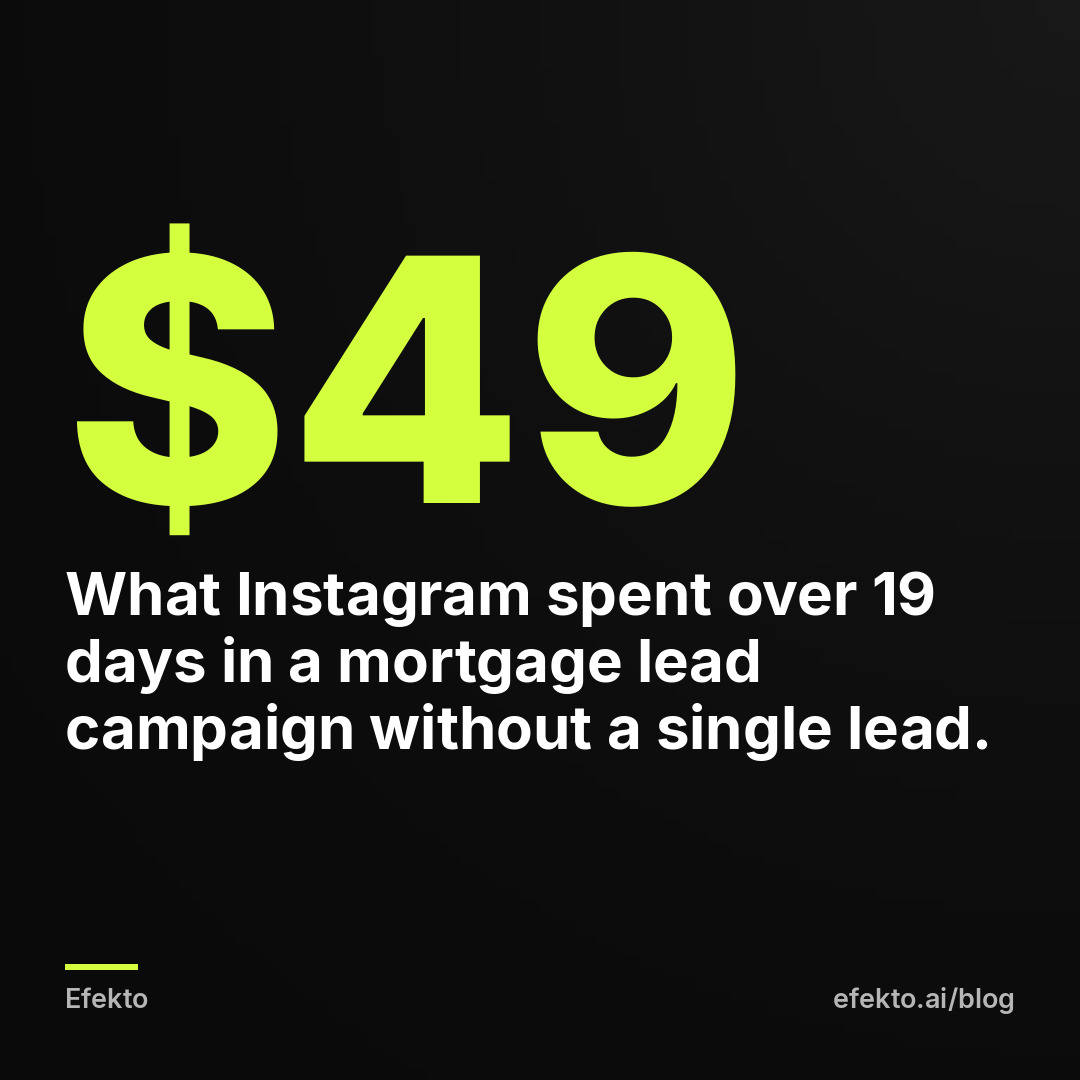
From our accounts: In a mortgage lead campaign, Instagram spent about $49 over 19 days without a single lead. We kept that campaign on Facebook only. Two things follow from this for you. First, the leak was small, and that is exactly why it hides: at campaign level it disappears into the total, and you only see it in the platform breakdown. Second, we did not cut it after three days. We waited until the spend was clearly big enough to mean something, and then made one decision instead of switching back and forth.
The same rule works in the other direction. If Facebook is the one spending without results, turn off Facebook. We have no platform loyalty here. We only care about the numbers.
How do you switch off one platform without breaking the campaign?
You change it at the ad set level, once, after you have enough data. Open the ad set, click Edit, go to Placements, choose Manual placements and untick Instagram (or Facebook) under Platforms. Leave everything else alone.
Two mistakes we'd avoid:
- Killing a platform when the problem is the creative. Check the Placement breakdown first. If Instagram Feed brings leads but Stories and Reels don't, the issue is usually a square image with small text stretched into a vertical space. Add a 9:16 version instead of turning Instagram off. Our guide to ad formats for local service businesses shows what fits where.
- Editing too often. A placement change sends the ad set back into learning. Do it once, then leave it for at least a week. Here is why ads stop working after you edit them and how to limit the damage.
Should you do this check yourself or let an app handle it?
If you will actually open the breakdown every week, do it yourself. It is free and takes five minutes. Most owners we talk to mean to do it but don't, and that is how a $49 leak runs for months instead of 19 days.
Efekto creates ads from your website, publishes them on Facebook and Instagram, and optimizes them every day: it turns off the ones that don't bring results and scales the ones that do. You can see how Efekto works step by step. It doesn't make sense for you if you can't spend at least $15 a day on ads, which is the minimum in Efekto. In that case, run one ad set on manual placements with Facebook only and check it yourself every Monday.
On every new campaign we start with both platforms on and put a reminder in the calendar for day 14 to open the platform breakdown. We would rather pay a small, measured amount to learn than guess the platform up front. If you want that check done every day without opening Ads Manager, you can start at efekto.ai.
- Jakub Zwoliński
Founder, Lemon Agency · Efekto · November 6, 2026