Why Facebook Leads Book Appointments and Then Don't Show Up
Facebook leads booking and then not showing up? Check these causes in order: no confirmation, long gaps, vague free offers, easy forms, nothing at stake.

Start with what happened in the 24 hours after the booking. If the customer never replied to a confirmation text, they never really agreed to come. They clicked a button on Facebook. Most no-shows from Facebook leads come from the same few causes: a booking nobody confirmed, a long gap with no reminders, an ad that promised something vague or free, a form that took ten seconds to fill out, and nothing at stake for the customer. Check them in that order. The first two are free to fix and take an afternoon.
Our position is simple. Blaming Facebook for no-shows is mostly wrong. Facebook delivers a person who was interested for a moment. Turning that moment into a commitment is your job, and it happens after the form arrives, not in Ads Manager.
Did the customer actually confirm, or did you just put them on the calendar?
If the only proof of an appointment is an entry in your calendar, you have a guess, not a booking. It is also the cheapest to fix.
Symptom: When you call a no-show, you hear "Oh, was that today?" or "I didn't know it was booked." Or nobody picks up at all.
How to check: Take your last 10 no-shows. Open the message thread with each one. Count how many replied to a confirmation message with a clear yes. If that number is 3 or fewer, you have found your main leak.
How to fix: Send a confirmation text within 5 minutes of booking. It needs a reply, not just a read. For example:
Hi Sarah, this is Mike from Clearview Detailing. You're booked for Thursday, March 12 at 2:00 PM at 418 Oak St. Reply YES to confirm, or reply 2 and we'll find another time.
Three rules make this work:
- Put the day, date, time and address in the message. "Your appointment is confirmed" with no details gets forgotten.
- Ask for a reply. Someone who typed YES has made a small promise. Someone who saw a notification has not.
- Treat any booking without a YES 24 hours before as unconfirmed. Call it. If nobody answers, offer the slot to someone else.
Add a line to your lead form or booking page saying the customer agrees to receive texts about their appointment. Rules on business texting differ, so check the wording with whoever handles compliance for you. Don't skip this step, because confirmation by text only works if people actually get the texts.
How many days are there between the booking and the appointment?
The longer the gap, the more time the customer has to forget you, find someone cheaper, or fix the problem themselves. A Facebook lead is usually less committed than someone who searched "roof repair near me". That person was already looking. The Facebook lead stopped scrolling for a few seconds.
Symptom: Appointments for tomorrow mostly happen. Appointments for next week often don't.
How to check: Make a quick sheet for your last 20 bookings with four columns: booking date, appointment date, days between, showed (yes/no). Split the rows into two groups: same day or next day, and 3 or more days out. Compare the show rate of each group. You don't need a benchmark, because your own two numbers tell you whether the gap matters for your business.
How to fix: Offer the two nearest open slots first, not a link to your whole calendar. "I can do tomorrow at 10 or Thursday at 3, which works?" gets an earlier booking than "pick any time that works for you." If you really are booked out for a week or more, the reminders in the next section become essential.
Are you sending reminders people can act on?
A reminder that only says "see you tomorrow" prevents forgetting. It does nothing about people who can no longer make it, and they are the ones who quietly don't show. A good reminder makes rescheduling easier than ghosting.
Symptom: No-shows who later say "something came up" and book again a week later. They wanted the service. They just couldn't make that slot and didn't want an awkward call.
How to check: Read your current reminder message. Does it include a way to reschedule with one reply? If the only option is to call during business hours, many people will choose not to show up instead.
How to fix: This is the schedule we'd use for a local service business:
| When | What the message says | What you want back |
|---|---|---|
| Within 5 minutes of booking | Day, date, time, address, what to prepare | "YES" |
| 24 hours before | Reminder plus "reply 2 to reschedule" | "YES" or a new time |
| 2 hours before | "See you at 2:00" or "Tech is on the way at 1:30" | Nothing needed |
| No YES by 24 hours before | Phone call from a person | Confirmed, rescheduled or released |
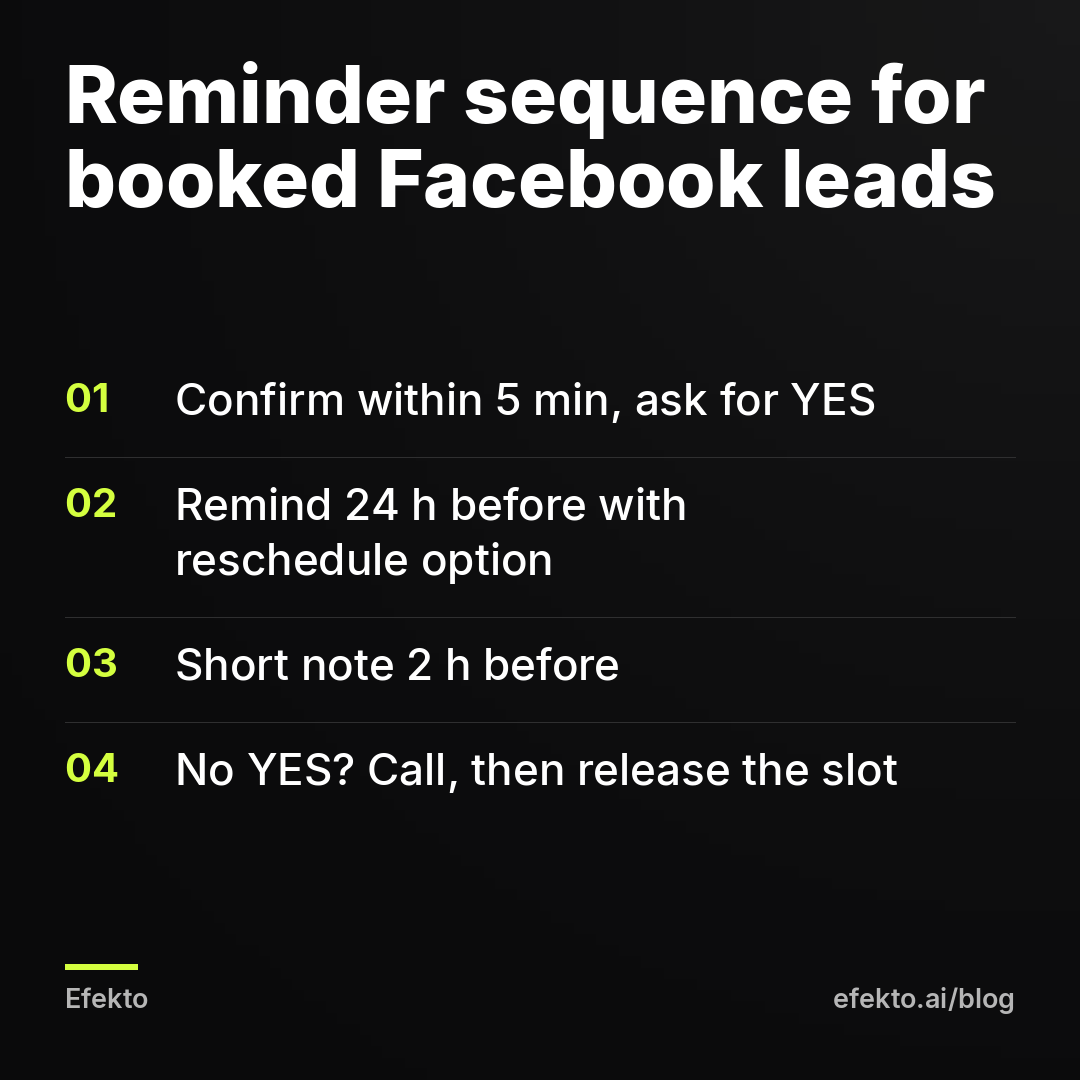
Most booking tools for service businesses can send the first three messages automatically. The phone call is the only part that needs a person, and it only goes to unconfirmed bookings, so it takes a few minutes a day.
Did the ad promise something vague or free?
Yes, "free estimate" and "free consultation" are the most expensive phrases in local ads. Free things get booked the way people grab free samples: easily, and with no plan to follow through. The ad gets a lot of leads. Many of them never meant to buy.
Symptom: Some ads bring in plenty of bookings but very few shows. People who do show up are surprised by the price. Your no-shows cluster around one or two ads.
How to check: In Ads Manager, open the campaign, go to the Ads tab and look at results per ad. Then, in your own lead sheet, write down which ad each lead came from. The lead form export includes the ad name. After 20 to 30 bookings, compare the show rate by ad. If you don't track this yet, our guide on tracking which Facebook leads turned into paid jobs without a CRM shows a simple setup with a spreadsheet.
How to fix: Rewrite the ad so the customer knows exactly what they are booking. Include what happens, how long it takes, and a starting price or price range.
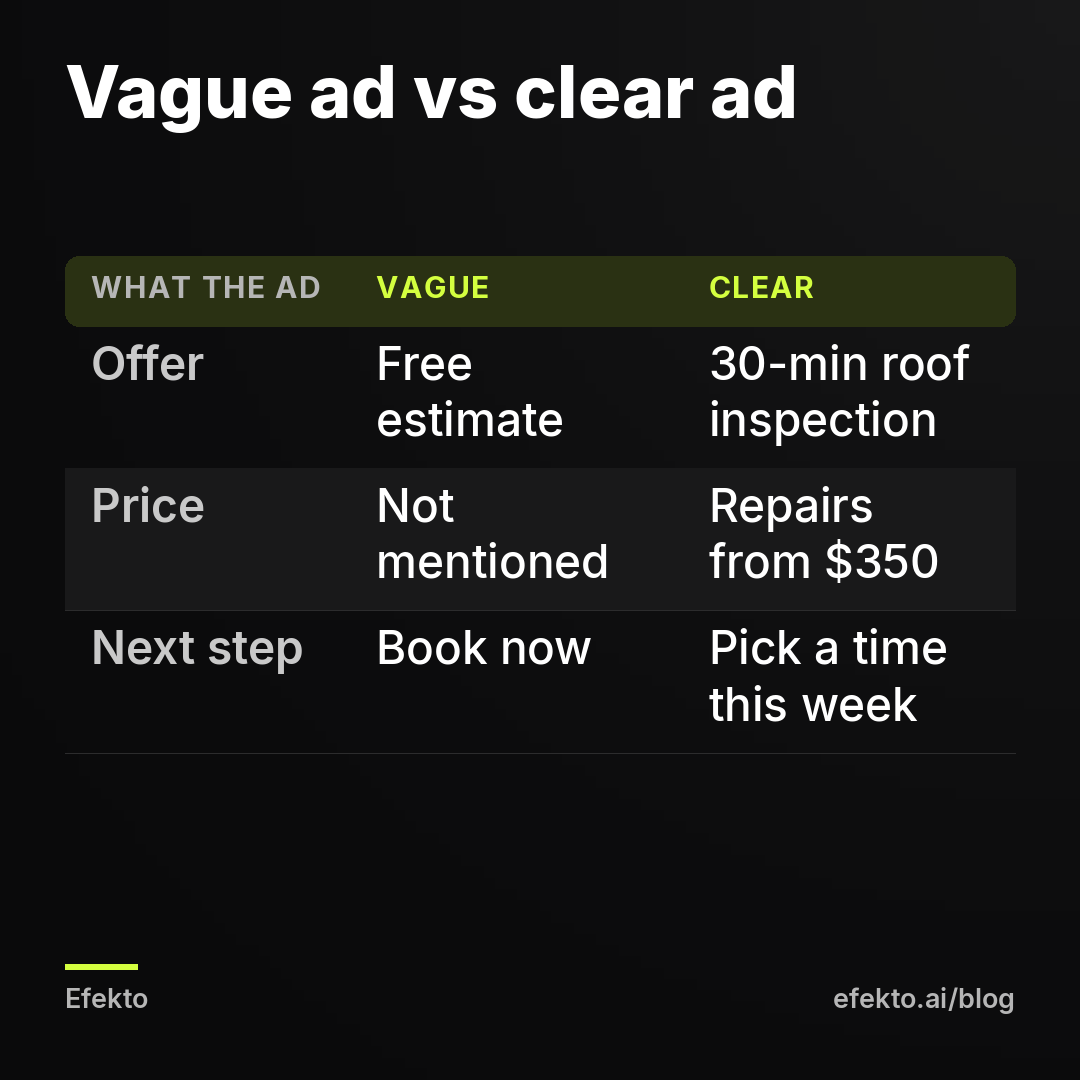
Publishing a price feels risky, because it lowers the number of leads. We think that's the point. A price in the ad filters people out before they take your slot, not after. Whoever books knowing repairs start at $350 has already accepted that number. If you're worried about attracting bargain hunters, read why Facebook ads attract price shoppers and how to get better customers.
Does the appointment match what the ad promised?
If the ad says "$89 AC tune-up" and the visit turns into a pitch for a new system, word spreads, and people who read your reviews before the appointment stop showing up. Even without reviews, a call before the visit that doesn't match the ad makes people back out.
Symptom: People confirm, then cancel after a phone call from your office. Or they cancel after reading your reviews.
How to check: Put the ad copy next to the script your team uses when calling leads. Underline every promise in the ad: price, duration, what's included. Check whether the call repeats those promises or replaces them with something else.
How to fix: Make the first sentence of the call repeat the ad: "You booked the $89 tune-up, it takes about an hour, and we'll check X, Y and Z." If you plan to offer more during the visit, do it there, after the promised service has been delivered.
Is your lead form too easy to fill out?
A form that takes ten seconds produces leads that take ten seconds of commitment. Meta's instant forms are built for volume by default. The contact details are filled in automatically from the profile, so someone can send you a request without typing a single letter.
Symptom: Plenty of leads, a decent number of bookings, many no-shows. Some leads don't remember filling out a form at all.
How to check: Open your instant form in Ads Manager (edit the ad, then the instant form section). Check two things. Is the form type set to "More volume" or "Higher intent"? Does the form ask anything besides name, email and phone?
How to fix: Switch to "Higher intent". It adds a review screen where people confirm their details before sending. Then add 2 or 3 questions that make people think about their own situation:
- What do you need done? Multiple choice with your 3 or 4 main services.
- When do you need it? This week / This month / Just comparing prices.
- One short-answer question, for example "What's the make and model of the car?" or "Roughly how old is the roof?"
The timing question is the one that matters most for no-shows. Don't push "just comparing prices" leads into a booked slot. Send them a price range and a link, and book them only when they reply. Someone who wrote out their car model has already put in a little effort, and that effort carries over to the appointment.
From our accounts: Over the 30 days to Nov 8, 2026, Meta lead form campaigns for custom business software in Poland on the accounts we run spent about $2,739 and collected 107 leads, an average of about $25.60 per lead. That's a different industry and country than yours, and it's Meta's count of submitted forms before anyone called them back. The lesson carries over anyway: every lead is paid for in full before you know whether it will show up. A no-show doesn't cost you nothing. It costs you the lead you already bought, plus the slot you held for it.
Is there anything at stake for the customer?
When missing the appointment costs the customer nothing, some of them will miss it. A deposit or a card on file changes that, but only for services where it makes sense.
Symptom: Your confirmations and reminders are fine, people reply YES, and some still don't come. This is most common for paid treatments and long jobs: med spa appointments, full detailing, dental cleanings for new patients.
How to check: Do the math on what a no-show costs you. Here is a worked example. The numbers are made up to show how it works and aren't from our accounts.
| Example line | Value |
|---|---|
| Daily budget | $35, so $1,050 a month |
| Cost per lead | $30, so 35 leads |
| Booked appointments | 18 |
| No-shows | 6 |
| Shown appointments that become jobs | 1 in 2 |
| Average job | $400 |
| Jobs lost to no-shows | 3 |
| Revenue not earned | $1,200 |
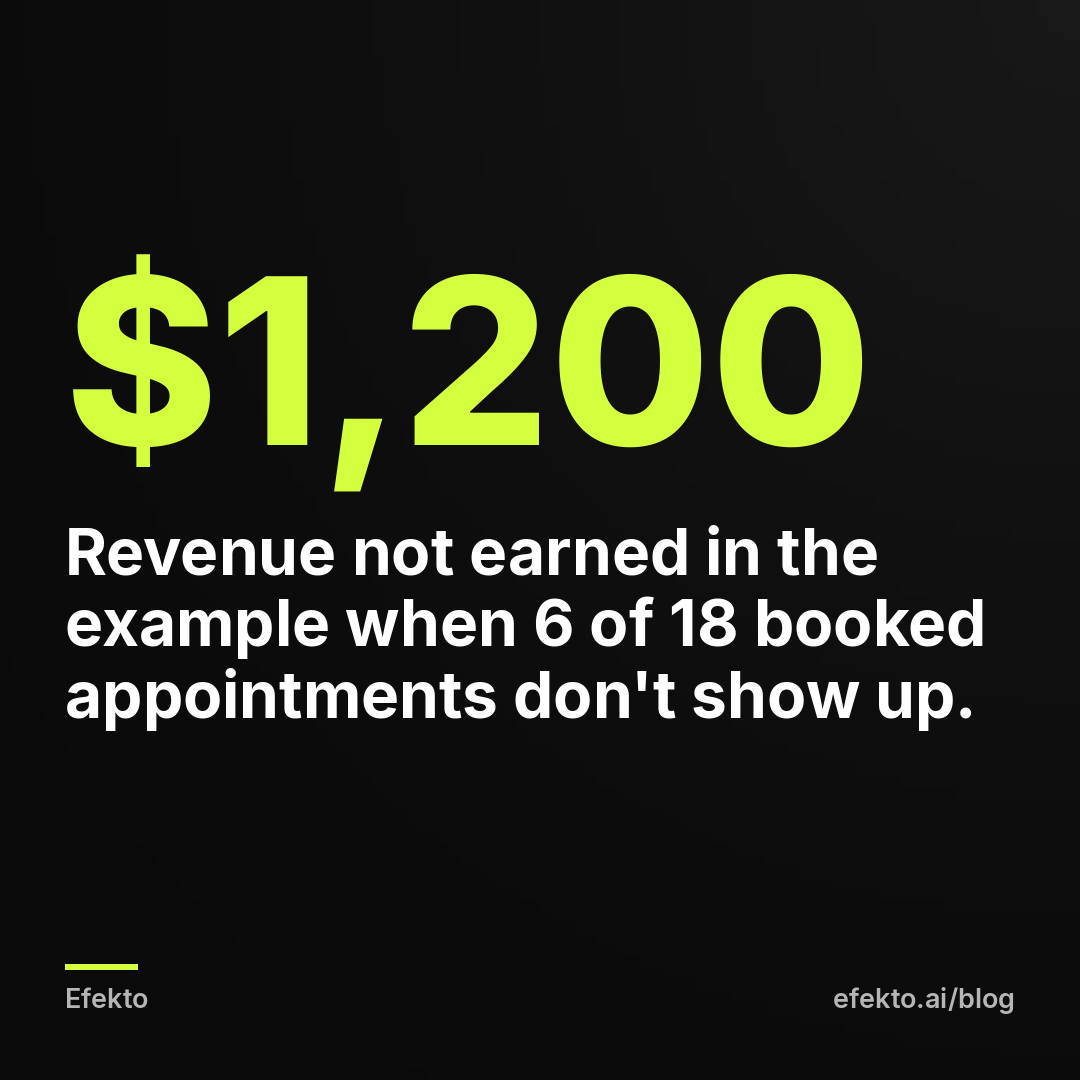
In this example, cutting no-shows from 6 to 2 adds 4 shown appointments, so 2 jobs and $800, without spending one more dollar on ads. That's why we'd fix no-shows before raising the budget.
How to fix: Pick the option that fits the job:
- Paid service with a fixed slot (treatments, detailing, cleanings): a deposit at booking, for example $50, credited toward the service and refundable if they cancel at least 24 hours ahead. Say all of this clearly in the confirmation text.
- Long or expensive job: a card on file with a stated late-cancellation fee.
- Free estimate visit (roofing, HVAC, remodeling): skip the deposit, because asking for money for something you advertised as free destroys trust. Use the offer, form and confirmation fixes above instead. Or stop calling it free and charge a small inspection fee credited toward the job.
State and local rules on deposits and cancellation fees vary, especially for medical services, so check yours before you turn this on.
Are some placements or audiences sending you people who never meant to come?
Sometimes they are. Not every place your ad appears brings the same kind of person. Since we make our living running ads on Meta, here is something we say openly: by default Meta spreads your budget across Facebook, Instagram, Messenger and more. It doesn't know which of those people show up for appointments. Only you know that.
Symptom: Show rates differ noticeably between leads, but none of the causes above explain the difference.
How to check: In Ads Manager, open the campaign and use Breakdown, then By delivery, then Placement. That shows spend and leads per placement. Ads Manager doesn't know about no-shows, so add a column to your lead sheet. Instant form exports include the platform, so you can see whether Instagram leads show up as often as Facebook leads.
From our accounts: In a mortgage lead campaign, Instagram spent about $49 over 19 days without a single lead. We kept that campaign on Facebook only. That case is about leads that never came, not no-shows, but the method is the same: break results down by placement, give each placement enough spend to judge it, and cut the one that doesn't deliver what you actually need.
How to fix: If one placement clearly brings bookings that don't show after at least 15 to 20 of its leads, remove it from that ad set. Don't decide based on 3 leads. That's luck, not a pattern.
Where Efekto fits, and when it won't fix your no-shows
Efekto handles the ad side. It creates ads from your website, publishes them, and optimizes them every day: it turns off the ones that don't bring results and scales the ones that do. That covers the offer and placement causes above. You approve the first batch of ads (at least 5 before the campaign starts), so you can make sure each one names the service and the price instead of "free estimate". How Efekto works shows the full flow. The trial is 7 days free, counted from the launch of your first campaign, and you only add a card at launch.
Efekto doesn't send your confirmation texts, run your calendar or collect deposits. If your no-shows come from the first three sections of this post, no ad tool will fix them. Set up confirmations and reminders in your booking software first, then look at the ads. If you're getting fewer than 10 bookings a month, start with the form and offer fixes, because you won't have enough data to judge ads against each other.
10-minute checklist
- Open your last 10 no-shows and count how many replied YES to a confirmation. 3 or fewer means you fix confirmations first.
- Make sure the confirmation text goes out within 5 minutes and includes the day, date, time and address.
- Add a 24-hour reminder with "reply 2 to reschedule".
- Call every booking that has no YES 24 hours before, and release the slot if nobody answers.
- Offer the two nearest slots instead of a full calendar link.
- Replace "free estimate" or "free consultation" in at least one ad with the exact service, duration and a starting price.
- Switch your instant form to "Higher intent" and add a "When do you need it?" question.
- For paid fixed-slot services, add a refundable deposit, for example $50, credited toward the service.
In our own work, the order stays the same: confirmations and reminders first, then the offer in the ad, and only after that, more budget. If you want the ad side handled while you fix the calendar side, you can start a campaign at efekto.ai.
- Jakub Zwoliński
Founder, Lemon Agency · Efekto · November 12, 2026