How to Track Which Facebook Leads Turned Into Paid Jobs Without a CRM
One spreadsheet with lead, source, ad, status and job amount shows your real cost per paid job. Columns, statuses, formulas and a worked example.

You don't need a CRM to know which Facebook leads paid you. You need one spreadsheet with a row per lead and nine columns: date, name, phone, source, ad, status, quote, paid amount and notes. Fill it in the same day, then run one calculation at the end of the month: ad spend divided by paid jobs. That number, cost per paid job, tells you more than any report in Ads Manager, and you can set it up in about 30 minutes.
1. Which columns does the lead tracking sheet need?
Nine columns in one tab. Use Google Sheets or Excel. Skip templates with dashboards and pie charts, because nobody updates those after week two.
| Column | What goes in it | Example |
|---|---|---|
| A: Date | Day the lead came in | 11/03 |
| B: Name | First name and last initial is enough | Mike R. |
| C: Phone | The number you will actually call | (555) 014-2290 |
| D: Source | Facebook form, Facebook call, Instagram DM, Google, referral, walk-in | Facebook form |
| E: Ad | Ad name exactly as it appears in Ads Manager | BeforeAfter_Spring |
| F: Status | One of six fixed options (step 4) | Quoted |
| G: Quote ($) | Amount you quoted | 1,400 |
| H: Paid ($) | Amount that actually reached your account | 1,250 |
| I: Notes | Lost reason, follow-up date | Price, chose cheaper |
Turn the Status column into a dropdown (Data, then Data validation in Google Sheets). Free typing produces "won", "Won!", "booked" and "sold" for the same thing, and then no formula can count them.
When it makes sense: one to three people handle leads, and you get up to roughly 150 leads a month. That covers most detailers, roofers, HVAC shops and med spas starting with Facebook.
When it does NOT: several reps call the same list at the same time, or you get hundreds of leads a month. Rows get overwritten, nobody knows who called whom, and a CRM pays for itself. Same if you already use field service software that sends your invoices: add a "source" and an "ad" field there instead of keeping a second list.
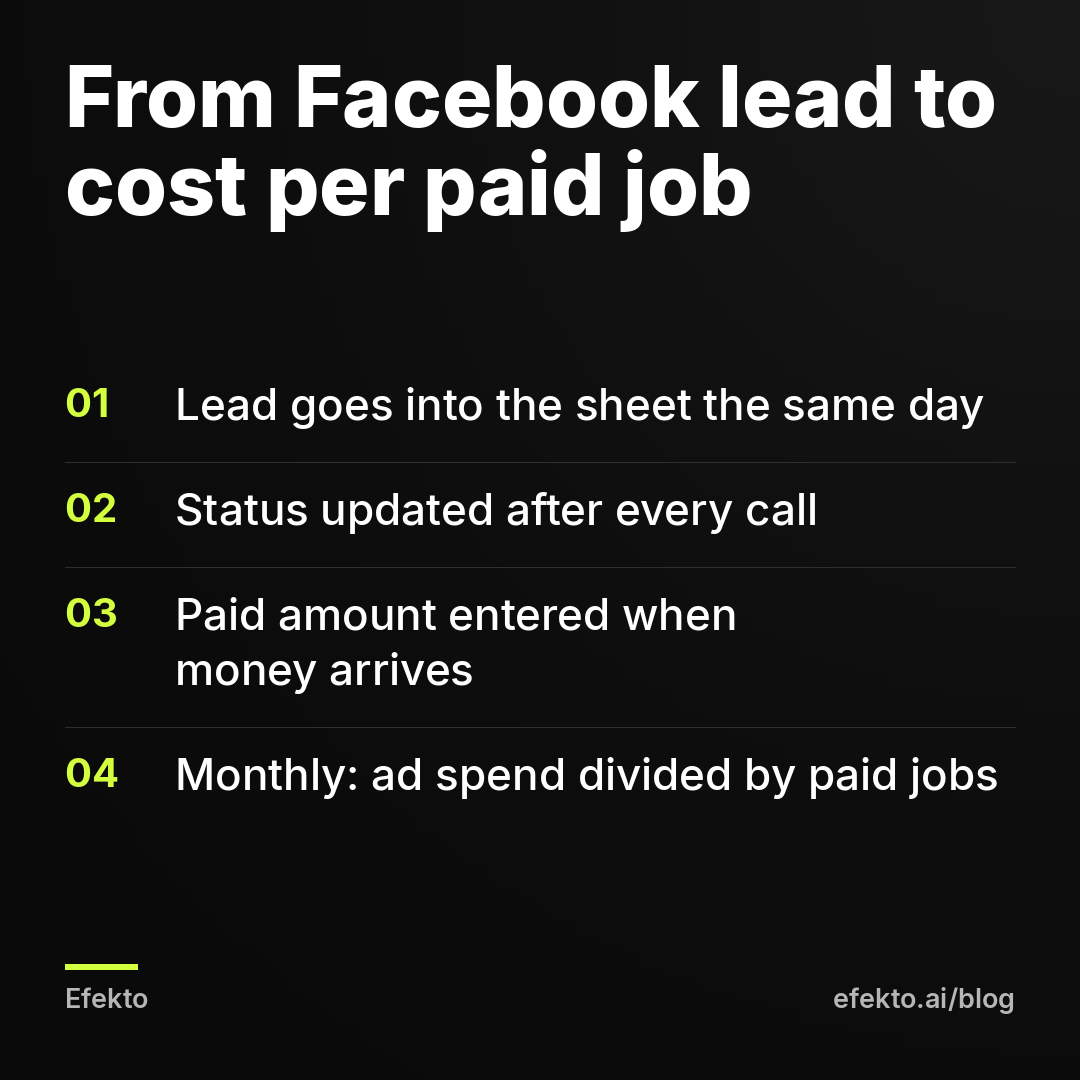
2. How do you get every Facebook lead into the sheet the same day?
Copy them in once a day, at a fixed time. If you run Facebook lead forms, download new leads as a CSV from Meta Business Suite (Leads Center) and paste the new rows. If the leads already land in your email, copy them from there. If leads stopped arriving in your inbox at some point, fix the connection first. Our guide on Facebook leads not showing up in your email or CRM walks through the usual causes.
Same day matters for a boring reason: a lead entered on Friday for a Monday call is a lead nobody tracked over the weekend. Our recommendation is one 10-minute slot every afternoon. Paste the leads, fill in source and ad, set status to New.
From our accounts: forms created through the API return the answer key (like "b1") in the lead data, not the answer text. Sales reps saw "Budget: b1" in the CRM until we added an answer dictionary. The same thing can show up in a spreadsheet. If your export shows codes instead of answers, open the form, write down which code means which answer, and keep that list in a second tab. Five minutes of work, and you stop calling people with no idea what they asked for.
When it does NOT make sense: if 90% of your leads come from call ads, a daily CSV export gives you almost nothing. Log calls as they happen instead (step 6).
3. How should you name your Facebook ads so the sheet can tell them apart?
Give each ad a short, readable name that says what is in it, and paste that exact name into column E. "Ad 3 - Copy (2)" tells you nothing a month later. "BeforeAfter_Spring" or "Video_OwnerTalks_FreeQuote" tells you which picture and which offer brought the person in.
A format we'd use: format_whatsinit_offer. For example:
- Photo_BeforeAfter_10off
- Video_TruckArrives_FreeInspection
- Carousel_3Jobs_Financing
In Ads Manager you rename an ad by clicking its name. Renaming does not reset learning the way editing the image or text can (if you want the full story on edits, see why Facebook ads stop working after editing).
How do you know which ad a lead came from? Lead form exports include the ad name. For phone calls and DMs you won't always know. Write "unknown" rather than guessing. Guesses make every ad look like it works.
When it does NOT make sense: you run a single ad. Then column E is the same in every row, and you can drop it until you add a second ad.
4. Which lead statuses should you use?
Six, and no more: New, In contact, No answer, Quoted, Won, Lost. Each one answers a different question. "No answer" means a follow-up problem. "Lost" means a price, timing or fit problem. "Quoted" means money that is still possible. Twenty statuses feel thorough, and in practice nobody picks the right one, so the counts are worthless.
Rules that keep the column honest:
- Change the status after every call, not at the end of the week.
- "No answer" becomes "Lost" only after a fixed number of attempts. We'd use 4 attempts over 7 days.
- Every "Lost" gets a reason in Notes: price, timing, outside service area, wanted something you don't do, fake number.
From our accounts: in our lead generation agency, companies that buy leads from us mark each lead with a status. Of 474 solar panels leads that buying companies marked with a status in the 90 days to Nov 1, 2026, 29% were marked "in contact", 10% meeting booked or sale, 8% "no answer" and 53% rejected. Of 85 mortgages leads marked in the same period, 28% were marked "in contact", 21% meeting booked or sale, 44% "no answer" and 7% rejected.
Those two sets of numbers point at completely different problems. With 53% rejected, the issue sits upstream, in who the ads reach and what the form promises. With 44% "no answer" and only 7% rejected, the leads were mostly fine, and the money was lost in follow-up. If the only thing you tracked was "won or not", both would just look like "bad leads from Facebook", and you would change the wrong thing. That's the whole reason the status column exists: it tells you whether to fix the ads or fix the phone.
5. When do you enter the job amount: at the quote or at payment?
Both, in two separate columns. Column G gets the quote the day you send it. Column H gets the amount the day the money reaches your account. Only H counts as revenue.
Why not just the quote? Quotes get negotiated down, jobs get split, some customers ghost after saying yes. If you count quotes, a month with $20,000 "booked" can turn out to be $11,000 paid, and you will have scaled ads based on the first number.
If a customer pays a deposit now and the rest later, put the deposit in H and update it when the balance comes in. One row per customer, not one row per payment.
When it does NOT make sense: if you collect payment on the spot for every job (a mobile detailer paid at the car, for example), G and H are always the same. Keep only H.
6. How do you track leads that call or walk in instead of filling a form?
Ask one question on every first call: "How did you hear about us?" Then write the answer in column D before you hang up. If they say Facebook or Instagram, ask what they saw: "the video with the truck" or "the before and after photo" is often enough to match the ad name.
This matters more than it sounds. Plenty of people see a Facebook ad, don't fill in the form, and call you three days later. Without this question, every one of those jobs goes into "Google" or "referral", and your Facebook ads look worse than they are.
When it does NOT make sense: a referral-only business with no ads running. Then the source column carries nothing you need, and you track names of referrers instead.
7. How do you calculate cost per paid job from the sheet?
Take total ad spend for the month from Ads Manager and divide it by the number of rows with status Won and source Facebook. In Google Sheets, with the layout from step 1:
- Facebook leads:
=COUNTIF(D:D,"Facebook*") - Facebook paid jobs:
=COUNTIFS(D:D,"Facebook*",F:F,"Won") - Facebook revenue:
=SUMIFS(H:H,D:D,"Facebook*",F:F,"Won") - Cost per paid job: ad spend divided by paid jobs
For example: say you spend $30 a day for 30 days, so $900. Ads Manager shows 30 leads, which it reports as $30 per lead. Your sheet shows that 6 were fake numbers or outside your area, 12 never picked up, 8 got a quote and 4 paid you, at $1,200 each on average.
| Step | Example number |
|---|---|
| Ad spend | $900 |
| Leads (as Meta counts them) | 30 |
| Cost per lead, according to Meta | $30 |
| Real leads after removing junk | 24 |
| Cost per real lead | $37.50 |
| Paid jobs | 4 |
| Cost per paid job | $225 |
| Revenue | $4,800 |
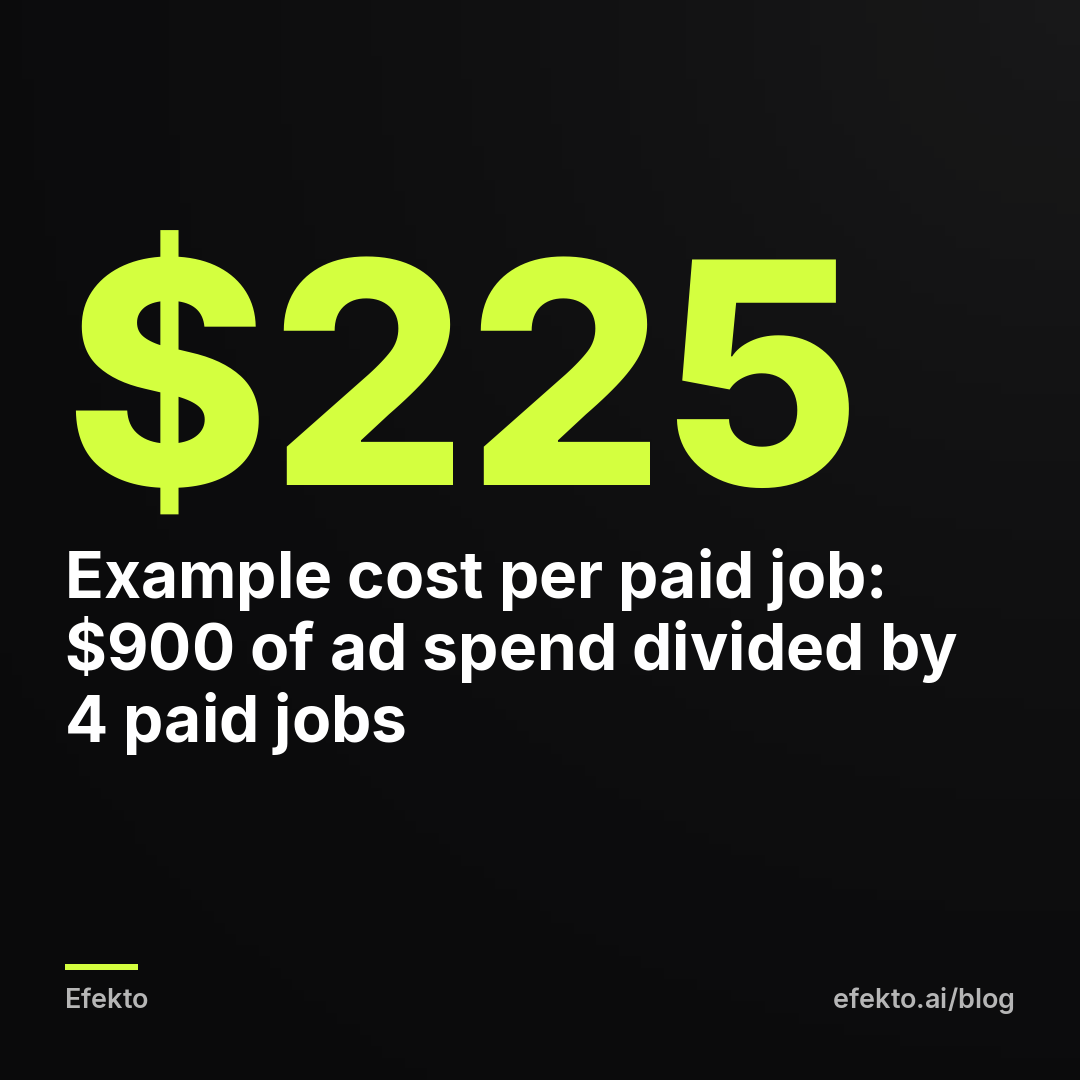
Notice the gap between $30 and $225. Meta's cost per lead counts every form submission before anyone has checked it. It doesn't know about fake numbers, about people outside your area, or about anyone who never answered. We earn our money running ads on Meta, and we'll still say it plainly: judging ads by Meta's cost per lead is how businesses end up scaling the ads that bring the most junk. Judge by cost per paid job. Our post on cost per booked job versus ROAS goes deeper into why service businesses should track this number.
Is $225 good? Compare it to your margin, not to someone else's cost. If an average job brings $1,200 and leaves you $500 after materials and labor, $225 per job works. If it leaves you $150, it doesn't, no matter how cheap the leads looked.
8. How do you compare two ads by paid jobs instead of leads?
Add a small table on a second tab: one row per ad, with leads, paid jobs, revenue and cost per paid job. Pull spend per ad from Ads Manager, and the rest from your sheet with the same COUNTIFS, filtering by column E.
For example: Ad A brought 20 leads at $25 each ($500 spent) and 1 paid job. Ad B brought 10 leads at $50 each ($500 spent) and 3 paid jobs. Ads Manager would push you toward Ad A. Your sheet says Ad A costs $500 per paid job and Ad B costs about $167. You keep Ad B.
Don't decide too early. One job either way proves nothing. Our rule of thumb: wait for at least 30 days or at least 3 paid jobs on the better ad, whichever comes later. Until then, the only fast call you can make is on ads with zero real leads after a full week of spend.
This is also where tools come in. Efekto creates ads from your website, publishes them, and optimizes them every day: it turns off the ones that don't bring results and scales the ones that do. What no ad tool can do on its own is see which lead paid your invoice. Your sheet is where that answer lives, so keep it even if software runs your ads. More on how the app works is on the how Efekto works page.
When it does NOT make sense: under about 15 leads a month in total. Split across two ads, the numbers are too small to compare. Run one ad, track paid jobs, and compare month to month instead.
9. What should a weekly 15-minute review look like?
Same day, same time, every week. Go through this list in order:
- Filter status = New. Anyone older than 24 hours gets called today.
- Filter status = No answer. Everyone below 4 attempts gets another call or a text.
- Filter status = Quoted. Anyone quoted more than 5 days ago gets a follow-up.
- Count Lost reasons. If one reason holds more than a third of them (say "outside service area"), that is an ad setting to fix, not bad luck.
- Check that every Won row has an amount in column H.
That's it. Monthly, add the cost per paid job calculation from step 7.
When it does NOT make sense: if you get 2 to 3 leads a week, you can fold this into a daily glance at the sheet. A separate meeting with yourself is overkill.
10. What are the most common mistakes that break the sheet?
- Source written as "Facebook" for everything that came online. Instagram DMs, Google Business Profile calls and website forms get mixed in, and Facebook gets credit or blame it doesn't deserve.
- Status updated weekly from memory. By Friday you won't remember who picked up on Tuesday. Update after each call.
- No lost reason. "Lost" alone tells you nothing. "Lost: price" six times in a month tells you to change the offer or the audience.
- Counting quotes as revenue. Covered in step 5. Only paid money counts.
- Deleting junk leads. Keep them with status Lost and reason "fake" or "outside area". Deleted rows hide how much of your spend went to junk, which is exactly the gap between Meta's cost per lead and yours.
- Changing ad names mid-month. Rows from week one no longer match rows from week three. Rename before launch or at the start of a month.
The whole system in one table
| Step | What you do | How often | Time |
|---|---|---|---|
| 1. Columns | Set up 9 columns, status dropdown | Once | 30 min |
| 2. Entry | Paste new leads, fill source and ad | Daily | 10 min |
| 3. Ad names | Name every ad format_whatsinit_offer | At launch | 5 min |
| 4. Statuses | Update after every call, 6 options | Every call | Seconds |
| 5. Amounts | Quote in G, paid in H | Per job | Seconds |
| 6. Non-form leads | Ask how they heard about you | Every first call | Seconds |
| 7. Cost per paid job | Spend divided by Facebook paid jobs | Monthly | 10 min |
| 8. Ad comparison | Paid jobs per ad, second tab | Monthly | 15 min |
| 9. Review | 5-point checklist | Weekly | 15 min |
Our position after running lead campaigns for more than 300 clients: a plain sheet that gets updated beats a CRM that doesn't. Start with the sheet. Move to a CRM the month you notice two people calling the same lead.
FAQ
Can I connect Facebook leads to Google Sheets automatically?
Yes, with connector tools or Meta's own integrations, but you don't need to on day one. A daily copy-paste of 5 to 10 leads takes a few minutes and makes you look at every lead. Automate when manual entry starts taking more than 15 minutes a day.
How many leads should turn into paid jobs?
There is no honest universal number, because it depends on your price, your service and how fast you call back. Track your own rate for two to three months and compare against yourself. If the rate drops while the share of "No answer" rises, look at your follow-up before you touch the ads.
What if a customer saw my Facebook ad but found me on Google?
Write down what they tell you on the call and add the second source in Notes. For the monthly math, count the job under the source the customer names first. It won't be perfect, and it doesn't need to be: you're looking for trends across dozens of jobs, not exact credit for each one.
How long should I keep tracking before deciding Facebook doesn't work?
At least 30 days of steady spend, and long enough to see quoted jobs either close or die, which for roofing or remodeling can take 6 to 8 weeks. Judging a $10,000 roof job after 10 days only tells you who answered the phone.
If you'd rather have the ads made and optimized for you while you keep the sheet, you can see how it works at efekto.ai.
- Jakub Zwoliński
Founder, Lemon Agency · Efekto · November 8, 2026